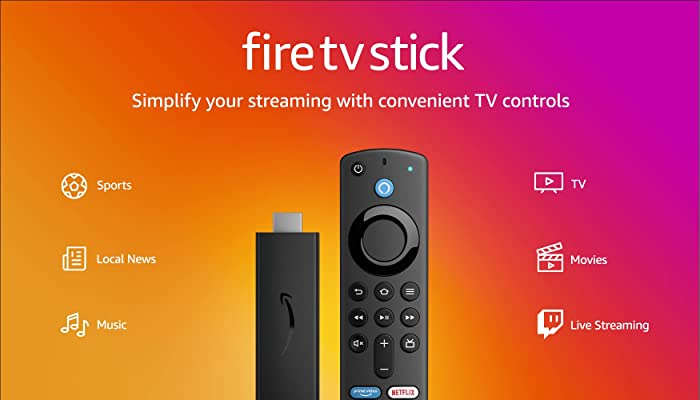
If you have a Fire TV Stick app that is just not working right? You can try clearing out its digital cobwebs by erasing the cache and (then) data. How to clear the Fire TV Stick’s cache to make it run faster
Here is How to clear the Fire TV Stick’s cache to make it run faster
Cache clearing is the safer of the two steps, as erasing data will require you to re-log in.
- Click the Settings gear on the home screen.
- Select Applications.
- Select Manage Installed Applications.
- Select the application that’s moving too slow.
- Select Clear Cache and/or Clear Data.
How to update the Fire TV Stick
In late 2020 and early 2021, Amazon began rolling out a new interface for the Fire TV Sticks and Cube. If your device hasn’t updated yet, it’s easy to get it there in 5 easy steps, listed below. The new interface is a bit slicker, but is still full of ways to maximize your Prime membership, if you have one.
- Open Settings at the top of the home screen.
- Scroll right to select Device.
- Select About.
- Select Check for System Update.
- Follow the prompts to update your Fire TV Stick.