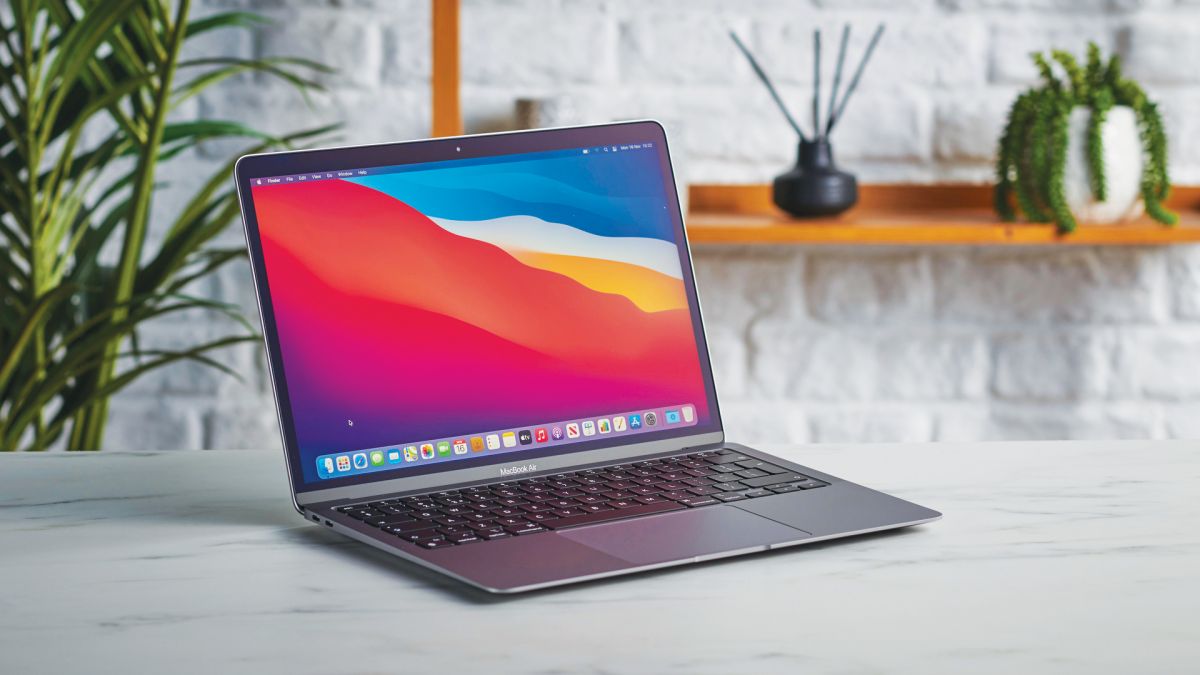
Feel like you’re wading through mud and need to how to speed up your Mac? Here’s are some handy tips. If you’re wondering how to speed up your Mac, you definitely won’t be alone. While Apple’s machines are some of the best computers out there and feel lightning fast when you first get them, you’ll inevitably look at how to speed up your Mac after a few years. As you install and use more and more software, your Computer will increasingly become cluttered with files. Inefficient apps will begin eating away at your Mac’s resources and your computer will have to work harder to keep up with modern demands.
But don’t consider trashing your Mac just yet! While it may feel slow right now, there are many steps you can take to speed up your computer. What’s more, you could start to see improvements within minutes and, with a bit of luck, spot the worst slowdown offenders so that you enjoy faster computing for some time to come.
How to speed up your Mac in 9 easy steps
- Turn your Mac off and on again
- Clear the cache
- Force quit unwanted apps
- Update your software
- Keep your apps updated
- Check the login items
- Run First Aid
- End background processes using Activity Monitor
- Have a Spring clean