Bizmart Africa
  • Billionaires
  • Money
  • Economics
  • Innovation
  • Leadership
  • Listings
  • Finance
  • Wealth
No Result
View All Result
  • Billionaires
  • Money
  • Economics
  • Innovation
  • Leadership
  • Listings
  • Finance
  • Wealth
No Result
View All Result
Bizmart Africa
No Result
View All Result

How to Transfer WhatsApp Chat History on iOS device

Nyongesa Sande by Nyongesa Sande
3 years ago
in Business
Reading Time: 2 mins read
A A
How to Transfer WhatsApp Chat History on iOS device

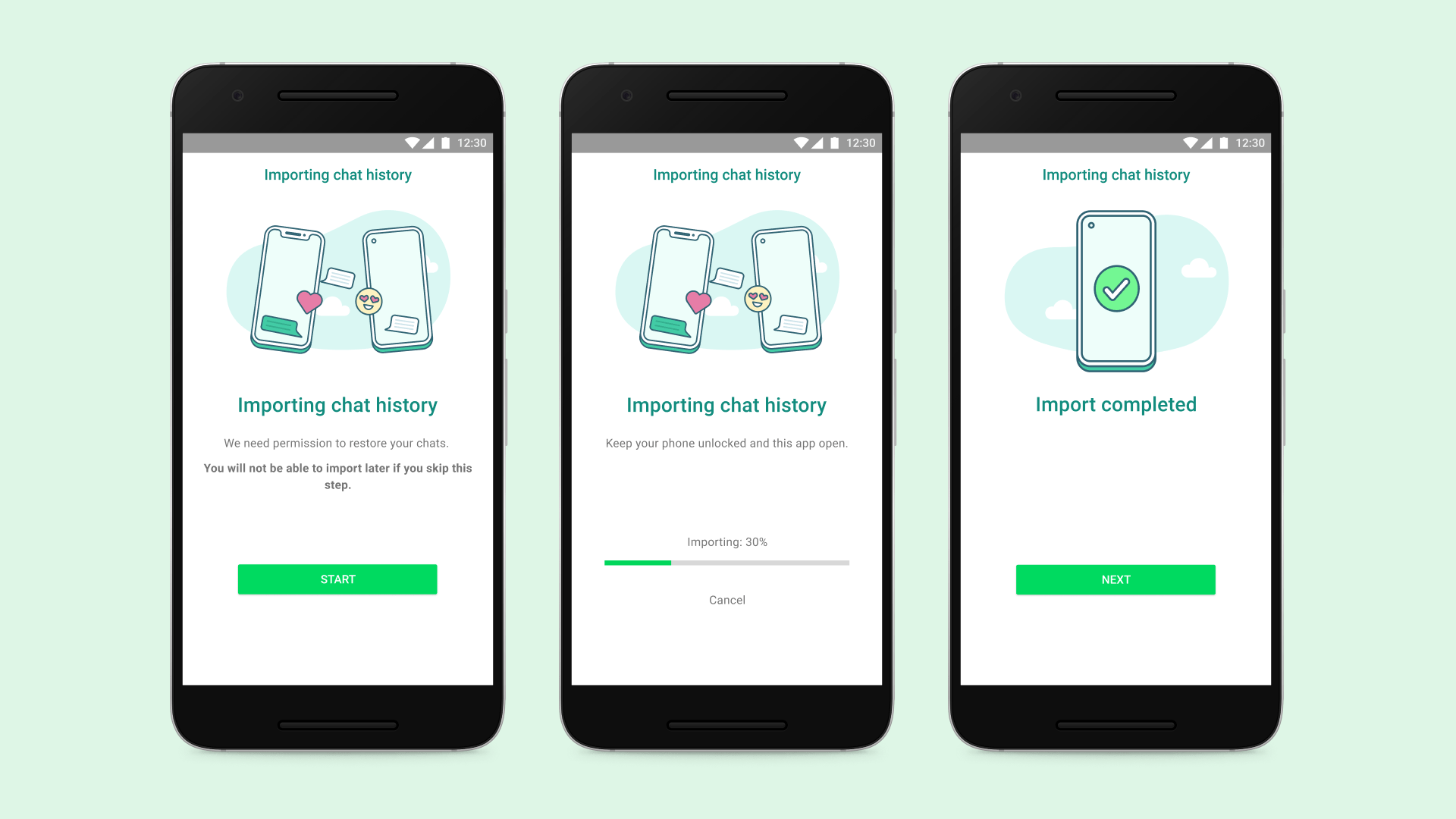
How to Transfer WhatsApp Chat History on iOS device. Meta, in a recent announcement, made it easier for WhatsApp users to transfer their chat history from an old phone to new phone without the use of any backup or cloud services. WhatsApp now allows Android as well as iOS users to transfer their chat history, along with media attachments, between phone running on the same OS. While the instant messaging service already had an option for transfer of chat history, it needed either backing up the chat history on storage or uploading it to the cloud.

WhatsApp’s new chat transfer feature, using QR code, lets users transfer most chat information like messages, and media files including documents, links and videos. However, users will not be able to transfer details on peer-to-peer payment messages and call history.

Here is How to Transfer WhatsApp Chat History on iOS device

  • Open WhatsApp on old iPhone and go to Settings > Chats > Transfer Chats to iPhone > Start.
  • On the new phone, install WhatsApp and register using your phone number.
  • Now select Continue on Transfer chat history to iPhone.
  • Using the camera on your old phone, scan the QR code shown on your new device.
  • Once the transfer completes, setup your profile on the new device.
Post Views: 53
Tags: How to Transfer WhatsApp Chat History on iOS deviceiOSwhatsApp
Previous Post

How to Transfer WhatsApp Chat History on Android Phone

Next Post

How to manage Threads notifications on Android

Next Post
How to manage Threads notifications on Android

How to manage Threads notifications on Android

Top 15 Richest People In The World 2023

Top 15 Richest People In The World 2023

Site Links

  • Log in
  • Entries feed
  • Comments feed
  • WordPress.org
  • About Us
  • Privacy
  • Terms
  • Ad Choices
  • Copyright

© 2026 Bizmart Africa

No Result
View All Result
  • 104.1 Power fm
  • 107.9 pearl FM Uganda
  • 89.9 Spice FM Hoima
  • 97fm Radiocity
  • About Us
  • Advertise with us
  • Africa Rich List Rankings
  • Ahimbisibwe Joan
  • Akaboozi FM
  • BEAT FM 96.3 FM ,UGANDA
  • BizMart Television
  • CAPITAL FM,91.3 FM ,UGANDA
  • CBS 89.2 FM
  • Checkout
  • Connect Uganda Radio
  • Content Licensing & Usage
  • CRIMINAL
  • Cultivating African Enterprise
  • Cultivating African Enterprise, One Story at a Time
  • Full-Width Page
  • Galaxy FM 100.2
  • Isaac Newton
  • Kembabazi Racheal
  • KIIS 100.9
  • Latest News
  • List of All Passports of all Countries in the World
  • Listen to kenyan radio Stations Online Free
  • Login/Register
  • Mbabazi Hannington
  • Meet The Team
  • Micheal Dollar Kanaabi
  • My account
  • My account
  • Nelson Oko
  • Nyongesa Sande
  • Our Contacts
  • Patrick Dylan
  • PRIME RADIO KAMPALA
  • Privacy Policy
  • Rachael Anyango Mboya
  • Radio Maria Uganda
  • Radio Sapientia
  • Radio Simba
  • Sample Page
  • Sulaiman Bukenya
  • Terms and Conditions
  • The Bizmart Advantage
  • Ugandan radio stations Listen Online | Bizmart.africa
  • We are Hiring
  • Wode Maya

© 2026 Bizmart Africa